Top 10 BEST Texture Packs for Minecraft Bedrock 1.26.2 (Free Download)
 Asim_HeartxD
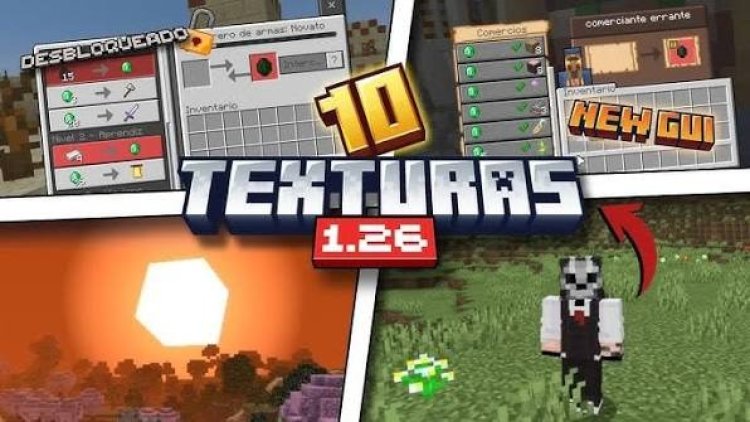
Top 10 BEST Texture Packs for Minecraft Bedrock 1.26.2
Texture packs are one of the easiest ways to improve Minecraft Bedrock without completely changing the game. They can add new visuals, improve the user interface, make important blocks easier to see, optimize distant terrain, or simply give vanilla Minecraft a fresh appearance.
With so many different resource packs available, finding the right one can be difficult. That's why we've put together the Top 10 BEST Texture Packs for Minecraft Bedrock 1.26.2. From 3D ores and improved shields to FPS optimization and better inventory management, this list includes packs for different types of Minecraft players.
Keywords: Minecraft Bedrock 1.26.2, Best Texture Packs, Minecraft Bedrock Texture Packs, Minecraft Texture Packs, MCPE Texture Packs, Minecraft PE Texture Packs, Ores 3D, PokeDrock SMP POKEFUN, New Shields Overhaul, Definitive Ore Miner, AZIFY Low Poly Chunk, Sodium Boost, Better Inventory Overhauled, Minecraft Bedrock Resource Packs, Minecraft 1.26.2, Bedrock Texture Packs, Free Minecraft Texture Packs, Minecraft UI Packs, Minecraft FPS Boost Packs
10. Ores 3D
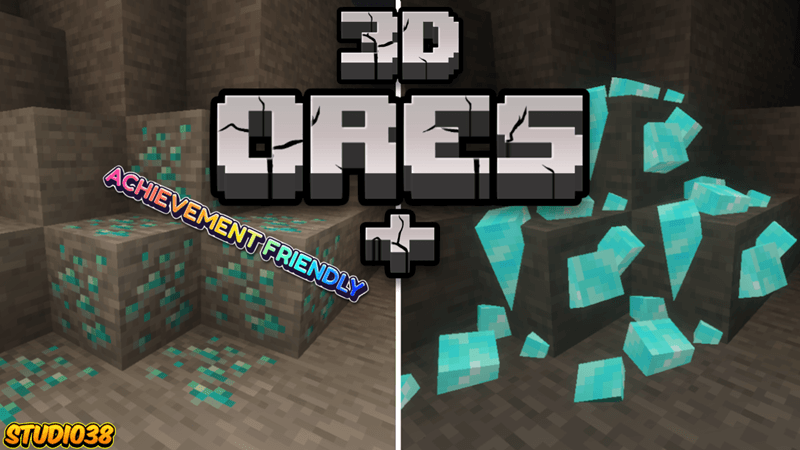
Ores 3D gives Minecraft's ores a more detailed and dimensional appearance. Instead of looking completely flat like the standard textures, ores receive additional visual depth that makes them stand out while mining.
This is a simple upgrade, but it can make caves and mining areas look much more interesting without completely changing Minecraft's vanilla style.
Features
- 3D ore appearance
- Better-looking mining areas
- Vanilla-friendly design
- Easy to install
- Great for survival worlds
Download
https://mcpedl.com/ores-3d-og/
9. PokeDrock SMP POKEFUN
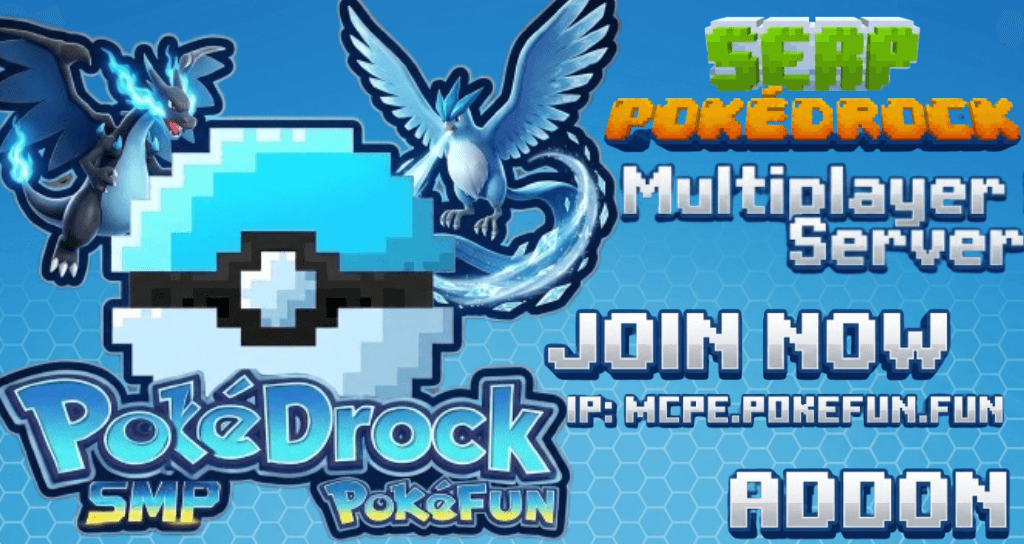
If you're a Pokémon fan, PokeDrock SMP POKEFUN brings a colorful Pokémon-inspired experience to Minecraft Bedrock. The pack is designed around the PokeDrock ecosystem and gives players a unique visual experience inspired by Pokémon.
It's a great option for players who want something different from traditional Minecraft textures and enjoy Pokémon-themed content.
Features
- Pokémon-inspired visuals
- Colorful design
- Unique Minecraft experience
- Great for Pokémon fans
- Compatible with Bedrock gameplay
Download
https://mcpedl.com/serp-pokedrock-smp-pokefun-multiplayer-server/
8. New Shields Overhaul
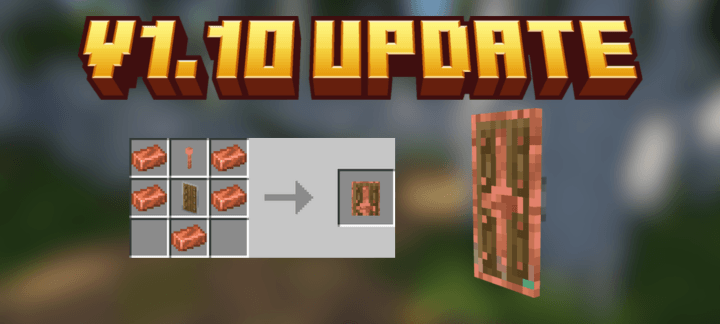
New Shields Overhaul gives Minecraft shields a fresh visual appearance by introducing redesigned shield styles. Instead of using the standard shield designs, players can customize their defensive equipment with more interesting looks.
It's especially useful for survival players who use shields regularly and want their equipment to stand out.
Features
- New shield designs
- Multiple visual styles
- Great for survival gameplay
- Improves shield appearance
- Easy visual upgrade
Download
https://mcpedl.com/new-shields-overhaul-8-brand-new-assesore-shields/
7. Definitive Ore Miner
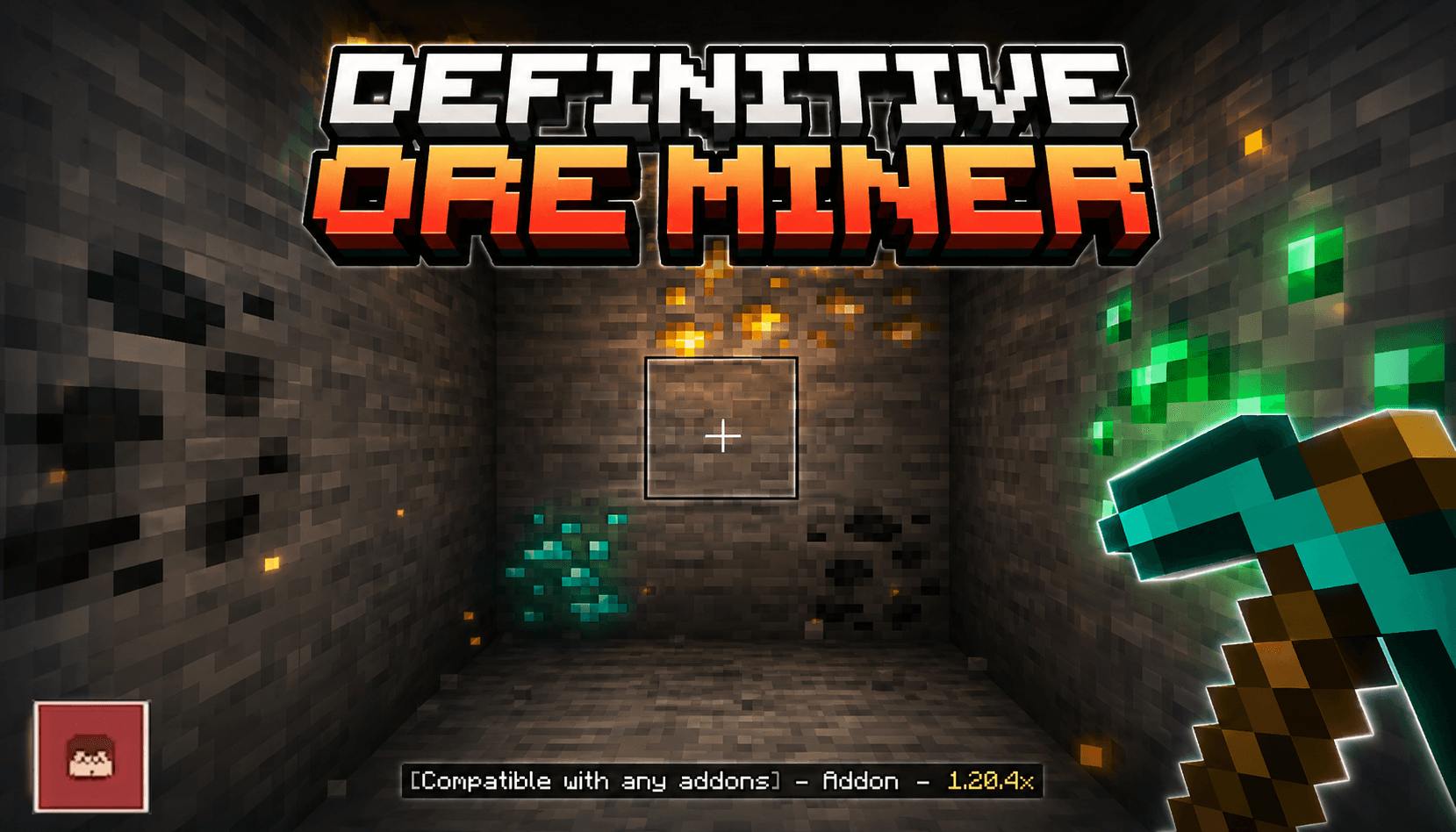
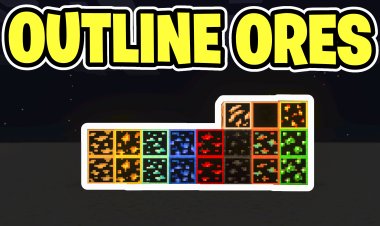
Definitive Ore Miner focuses on improving the way ores appear and can make mining more convenient. It provides a more distinctive visual experience for players who spend a lot of time underground searching for valuable resources.
The clearer ore visuals can help players identify important blocks more easily while keeping the Minecraft experience familiar.
Features
- Improved ore visibility
- Better mining experience
- Useful for survival
- Cleaner resource identification
- Easy to use
Download
https://mcpedl.com/definitive-ore-miner-addon/
6. AZIFY Low Poly Chunk
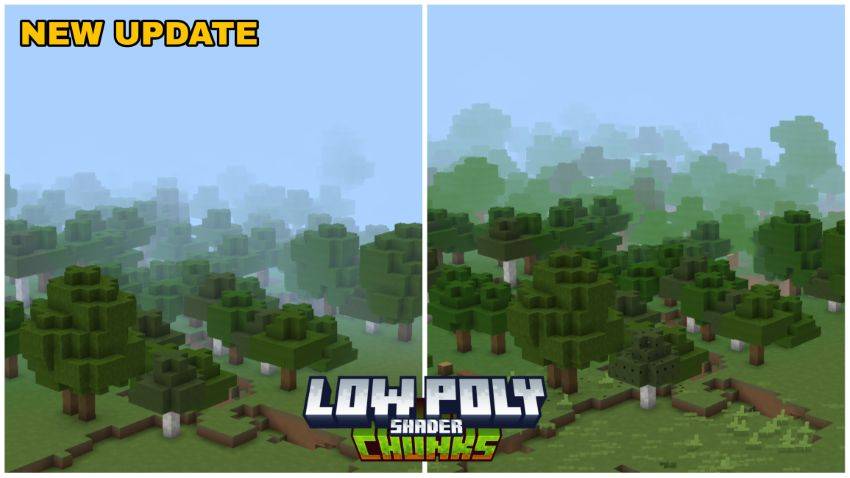
Performance is important, especially when you're exploring large Minecraft worlds. AZIFY Low Poly Chunk is designed to reduce the visual complexity of distant chunks, helping create a lighter experience when looking across large areas.
The pack is particularly useful for players who want better performance without completely changing the appearance of nearby blocks and structures.
Features
- Low-poly distant chunks
- Reduced visual complexity
- Performance-focused design
- Useful for large worlds
- Great for lower-end devices
Download
https://mcpedl.com/azify-low-poly-chunks-lower-quality-of-far-chunks/
5. Sodium Boost
Sodium Boost is focused on improving Minecraft Bedrock's performance. It provides optimization-focused changes designed to reduce unnecessary visual workload and help the game run more smoothly.
If your device struggles with Minecraft or you simply want a more consistent FPS experience, Sodium Boost is worth trying.
Features
- Performance optimization
- FPS-focused improvements
- Reduced visual workload
- Great for lower-end devices
- Smooth gameplay experience
Download
https://mcpedl.com/sodium-boost/
4. Better Inventory Overhauled
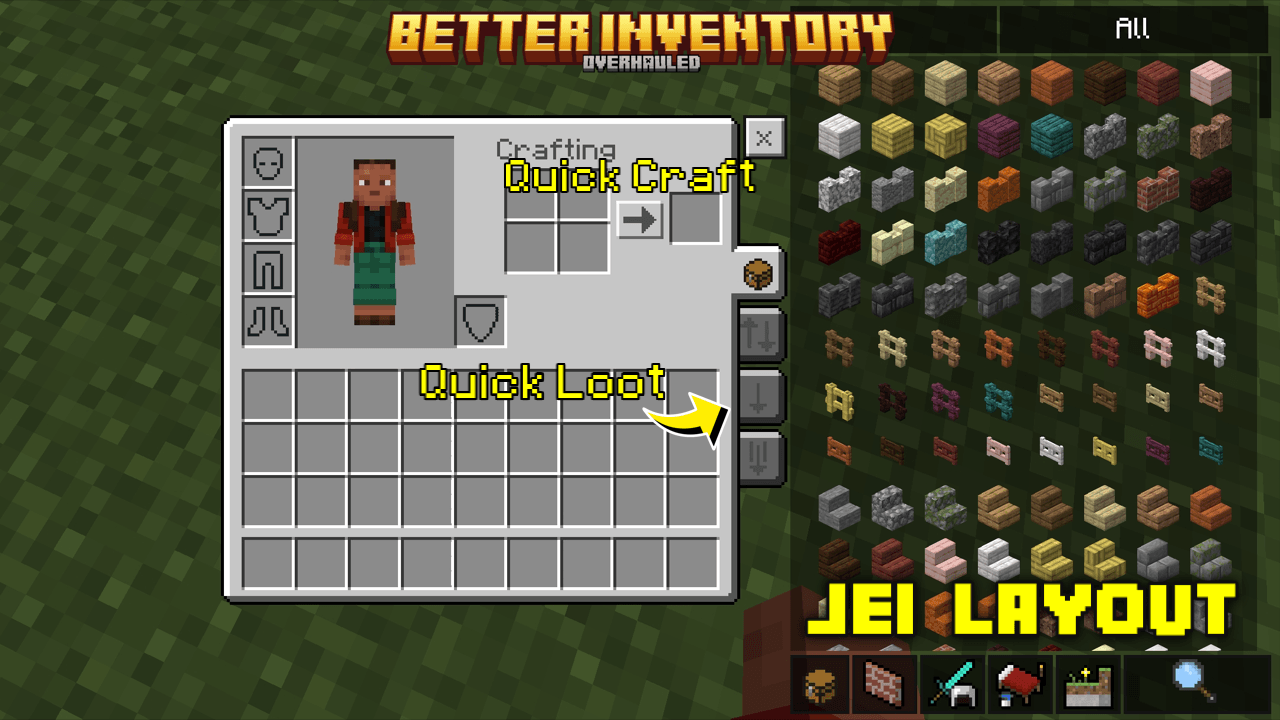
Minecraft's inventory is something every player uses constantly, and Better Inventory Overhauled gives it a refreshed appearance. The pack redesigns inventory-related elements to create a cleaner and more modern interface.
It's a great choice for players who want their Minecraft UI to look more polished without changing the actual gameplay.
Features
- Improved inventory interface
- Cleaner UI design
- Modern visual style
- Better menu experience
- Great for everyday gameplay
Download
https://mcpedl.com/better-inventory-b69/
3. Origin Animation
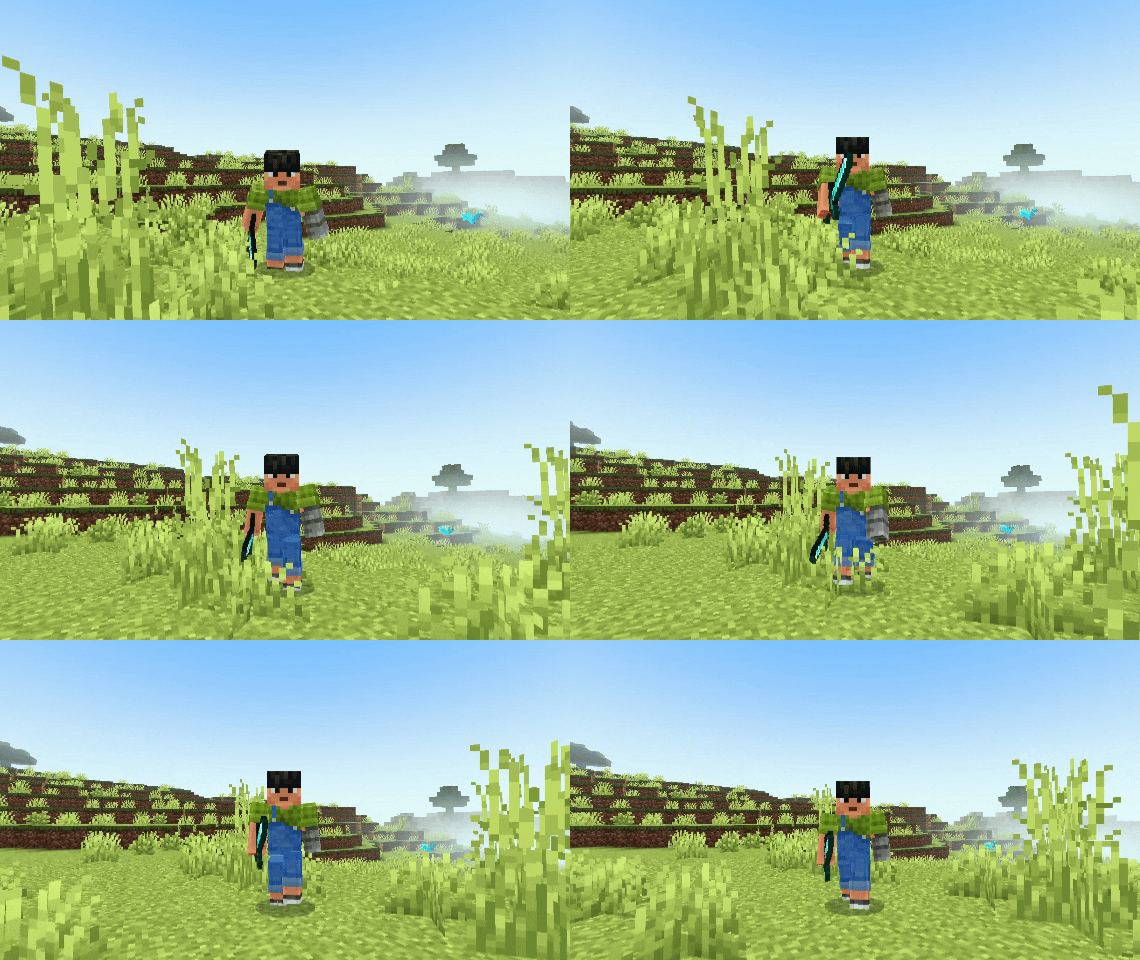
Origin Animation adds more life to Minecraft through improved animations. Instead of having every movement look completely static, the pack gives the game a more dynamic feel by enhancing player and gameplay animations.
These small changes can make movement, combat, and exploration feel much more immersive.
Features
- Improved animations
- More dynamic gameplay
- Better visual immersion
- Smooth movement
- Great for survival and multiplayer
Download
https://mcpedl.com/origin-animation/
2. Java/Desktop UI

If you prefer the interface of Minecraft Java Edition, Java/Desktop UI is an excellent choice. This pack changes the Bedrock interface to provide a more desktop-style experience, making menus and other UI elements feel closer to the PC version.
It's perfect for players who regularly switch between Java and Bedrock or simply prefer the traditional desktop interface.
Features
- Java-inspired interface
- Desktop-style UI
- Cleaner menu layout
- Familiar PC experience
- Great for Bedrock players
Download
https://mcpedl.com/vdx-legacy-desktop-ui/
1. Raiyon's Item Physics
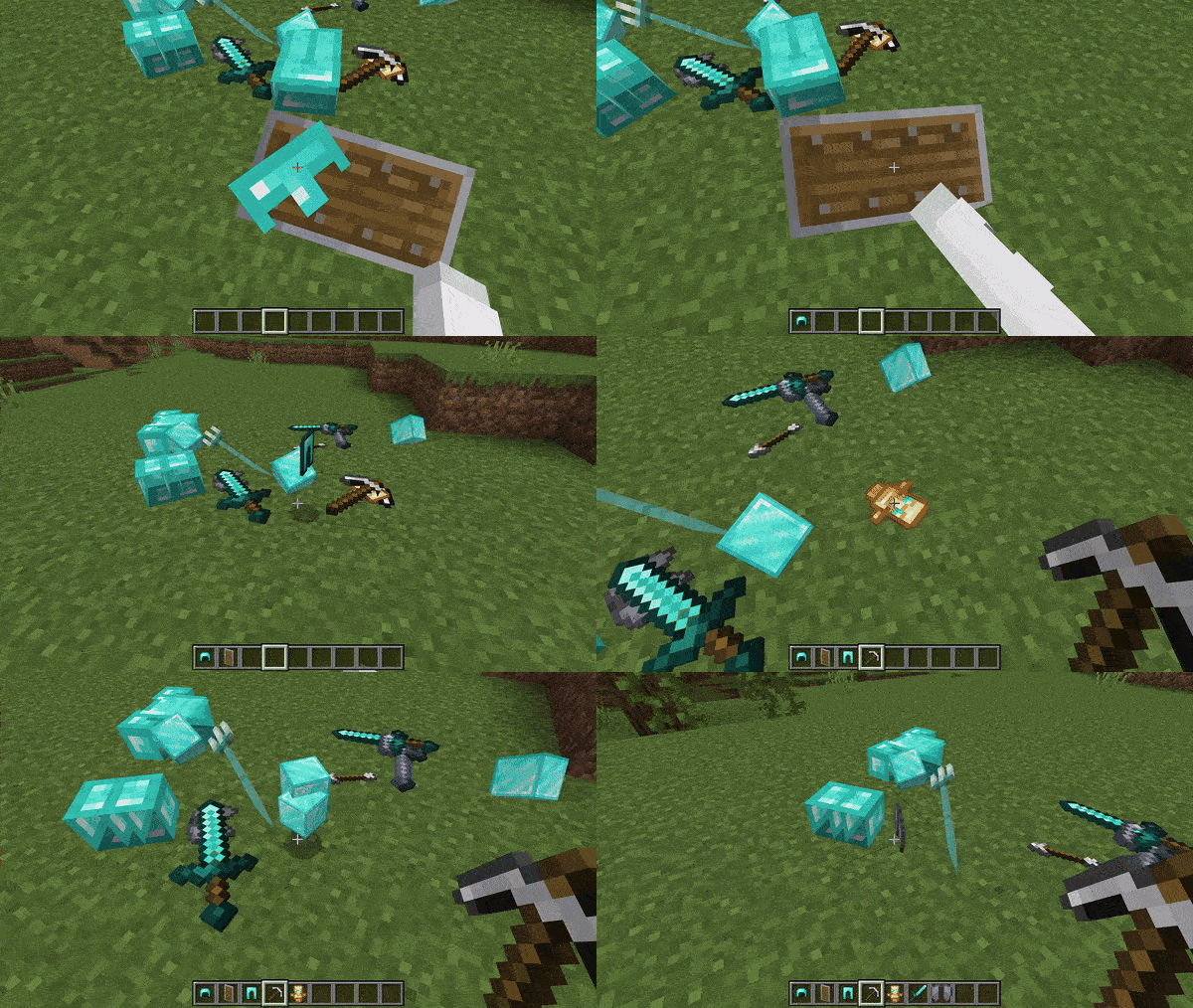
Taking the number one spot is Raiyon's Item Physics. This popular pack changes the way dropped items appear in Minecraft, giving them a more physical and dynamic look instead of simply floating flat in the world.
Dropped items can appear more natural, making item collection, exploration, and survival gameplay feel more immersive. It's a small visual change that can have a surprisingly big impact on the overall Minecraft experience.
Features
- Improved item physics
- More realistic dropped items
- Better visual immersion
- Great for survival
- Works well with other resource packs
Download
https://mcpedl.com/raiyons-item-physics/
Why Use Texture Packs in Minecraft Bedrock?
Texture packs can do much more than simply change block textures. Modern Bedrock resource packs can improve animations, redesign the interface, optimize distant visuals, change item appearances, and add useful quality-of-life features.
Some of the biggest benefits include:
- Better visuals
- Improved animations
- Cleaner UI
- Better item appearance
- Improved performance
- More immersive gameplay
- Additional customization
You can also combine compatible packs to create a Minecraft experience that matches your personal playstyle.
How to Install Texture Packs on Minecraft Bedrock
Installing a texture pack is easy.
- Download your preferred pack using the links above.
- Open the downloaded
.mcpackfile. - Minecraft Bedrock will automatically import the pack.
- Open Settings.
- Go to Global Resources.
- Find the imported pack and activate it.
- Enter your world and enjoy the new visuals.
Some packs may require additional settings or experimental features, so always check the MCPEDL page before installing.
Frequently Asked Questions (FAQ)
What is the best texture pack for Minecraft Bedrock 1.26.2?
Raiyon's Item Physics is our top pick because it adds a noticeable visual improvement while keeping Minecraft's original style.
Which texture pack is best for the Minecraft UI?
Java/Desktop UI and Better Inventory Overhauled are excellent choices if you want to improve the Bedrock interface.
Which pack is best for Minecraft Bedrock performance?
Sodium Boost and AZIFY Low Poly Chunk are designed with performance in mind and can be useful for players looking for a smoother experience.
Can I use multiple texture packs at the same time?
Yes, compatible resource packs can usually be stacked in Minecraft Bedrock. However, if multiple packs modify the same textures or UI elements, the pack with higher priority may override the other.
Are these texture packs free?
Yes. All ten texture packs featured in this article are available through the provided MCPEDL download pages.
Do these packs work on Minecraft Bedrock 1.26.2?
These packs are intended for Minecraft Bedrock. However, compatibility can vary between individual packs, so check each MCPEDL page for the latest supported Minecraft version.
Can texture packs improve Minecraft FPS?
Some packs are specifically designed to improve performance, such as Sodium Boost and AZIFY Low Poly Chunk. However, visual packs with complex effects can sometimes reduce FPS depending on your device.







![BEST Red Pvp Texture Pack For Minecraft Bedrock 1.21! - Anastasia [16x]](https://www.mcpecentral.com/uploads/images/2024/07/image_380x226_669c49bf85a3e.jpg)