Top 5 Clients for Minecraft Bedrock: Best Performance & Features in 2026
 mcpecentraladmin
Top 5 Clients for Minecraft Bedrock: Best Performance & Features in 2026
Minecraft Bedrock players looking to enhance their gaming experience need reliable clients that boost performance, add quality-of-life features, and maintain FPS stability. Whether you're grinding survival mode or competing in PvP, the right client can transform your gameplay. Here are the top 5 best Minecraft Bedrock clients ranked by features, downloads, and overall value.
5. Asteroid Client – Best for Customization
Download: https://mcpedl.com/asteroid-client/
Asteroid Client ranks as the fifth-best Minecraft Bedrock client for players who want deep customization options. This client excels at letting you tailor your HUD, controls, and visual elements without sacrificing performance.
Key Features:
- Highly customizable interface and controls
- Clean, intuitive UI design
- Works seamlessly across Bedrock devices
- Lightweight performance footprint
- Compatible with multiple Minecraft Bedrock versions
Why Choose Asteroid? If you prioritize personalization and want to tweak every aspect of your game interface, Asteroid Client delivers professional-grade customization tools that rival premium clients. Perfect for survival players and realm enthusiasts.
4. No Particles FPS Client – Best for Low-End Devices
Download: https://mcpedl.com/no-particles-fps/
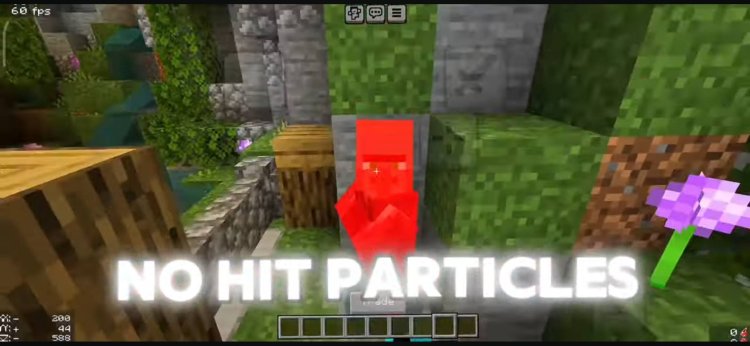
No Particles FPS Client is the go-to choice for Minecraft Bedrock players on budget devices, older phones, or low-spec computers. This client strips unnecessary particle effects while maintaining visual clarity.
Key Features:
- Dramatically improves FPS on low-end hardware
- Removes lag-causing particle effects
- Maintains game visibility and clarity
- Ultra-lightweight performance
- Ideal for survival servers and realms
Why Choose No Particles FPS? Running Minecraft on older devices? This client is engineered specifically to boost frame rates by eliminating resource-heavy particle animations. Players report significant FPS improvements on lower-tier hardware. Essential for anyone with frame-rate bottlenecks on Bedrock Edition.
3. Advanced X-Ray Client – Best for Mining & Resource Hunting
Download: https://mcpedl.com/advanced-x-ray/
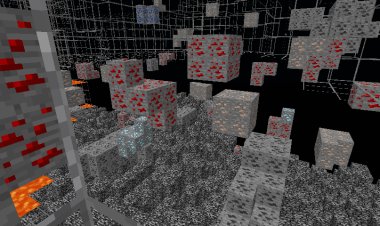
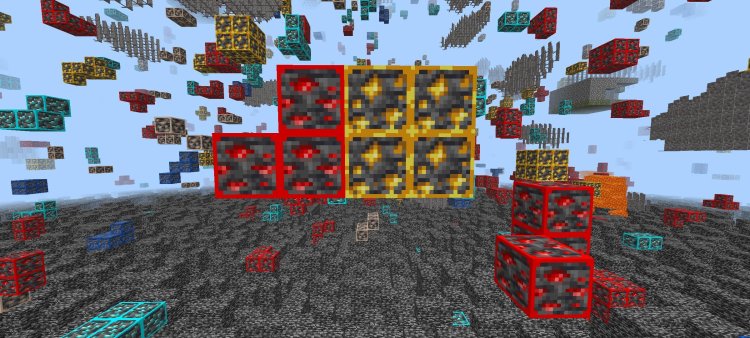
Advanced X-Ray Client is the premium choice for survival mode players, miners, and resource hunters. This Bedrock client reveals ore locations and block types through solid stone, cutting mining time dramatically.
Key Features:
- Advanced X-ray vision for ore detection
- Shows diamond, iron, gold, copper, and rare block locations
- Customizable X-ray depth and range
- Works across single-player and realm worlds
- Fully compatible with Minecraft Bedrock 26.1 Tiny Takeover
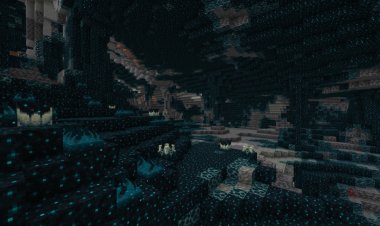
Why Choose Advanced X-Ray? Speed up resource gathering, find ancient cities faster, and optimize your mining strategy. X-ray vision transforms how you approach survival, turning hours of grinding into efficient, targeted sessions. Perfect for SMP realms and survival challenges.
2. Dark Mode UI Client – Best for Reduced Eye Strain
Download: https://mcpedl.com/darkmodeui/
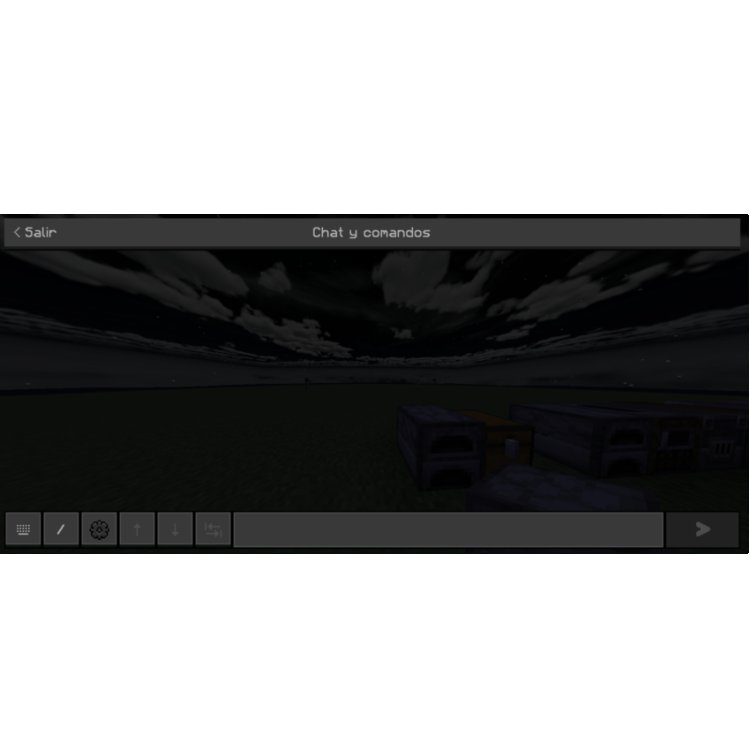
Dark Mode UI Client is the best Minecraft Bedrock client for extended gaming sessions. This client applies a sleek dark theme across all menus, inventory, and visual elements, significantly reducing eye strain during long play sessions.
Key Features:
- Full dark theme across all game menus and UI
- Reduces eye fatigue during extended sessions
- Professional, minimalist interface design
- Improves visibility in low-light gaming environments
- Zero performance impact on FPS
Why Choose Dark Mode UI? Marathon gaming sessions become comfortable with Dark Mode UI's protective theme. Your eyes stay fresher, gameplay stays crisp, and the aesthetic looks premium. Highly recommended for streamers, content creators, and serious Bedrock players logging extended hours on realm servers.
1. Smooth Wool Client – Best Overall Minecraft Bedrock Client
Download: https://mcpedl.com/smooth-wool/
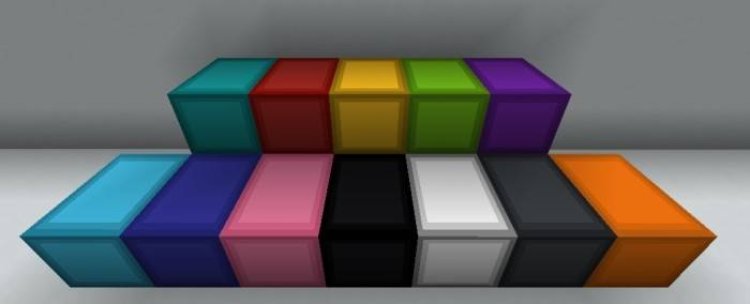
Smooth Wool Client claims the #1 spot as the best overall Minecraft Bedrock client in 2026. This powerhouse client combines stunning visual improvements with rock-solid performance, making it the unanimous choice among competitive and casual players alike.
Key Features:
- Ultra-smooth wool texture rendering
- Optimized block animations across all materials
- Dramatically improved visual clarity and consistency
- Zero lag, zero stutter on all Bedrock devices
- Works flawlessly across Windows, mobile, and console
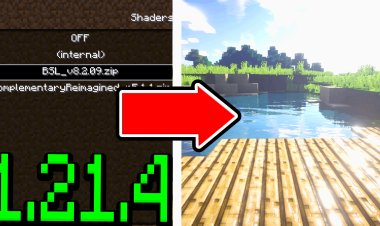
- Compatible with shader packs and texture packs
- Essential for PvP combat and fast-paced gameplay
Why Choose Smooth Wool? This client is the foundation of the modern Bedrock experience. The smooth, optimized rendering system eliminates visual jank, improves hitbox clarity, and delivers frame-perfect stability. Whether you're grinding resources, playing realm multiplayer, or competing in PvP, Smooth Wool Client is your competitive edge for Minecraft Bedrock.
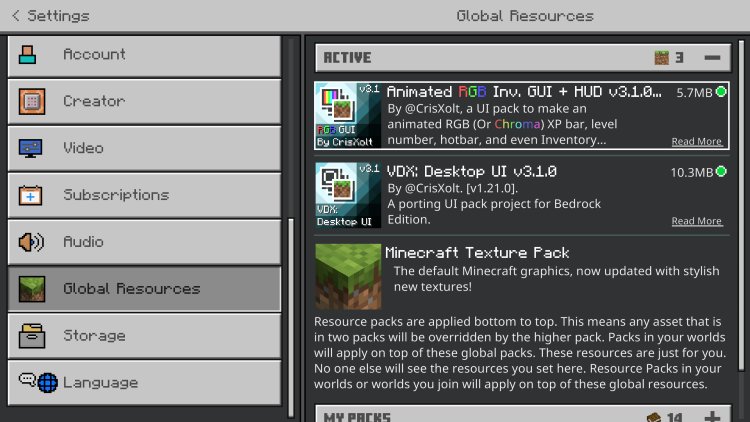
BONUS: RGB Texture Pack
DOWNLOAD:
https://mcpedl.com/animated-rgb-gui/
How to Install Minecraft Bedrock Clients
Step 1: Download your preferred client from the links above Step 2: Extract the .zip or .mcpack file to your Minecraft Bedrock folder Step 3: Launch Minecraft and enable the client in settings Step 4: Restart your game for changes to take effect
Note: Most Bedrock clients are compatible with Windows, mobile, and console versions. Check platform-specific requirements before installing.
Minecraft Bedrock Clients vs. Mods: What's the Difference?
Bedrock clients are lighter, more accessible alternatives to Java mods. They work directly within Minecraft Bedrock Edition without requiring additional launchers or mod managers. Clients focus on UI improvements, performance optimization, and visual enhancements, while remaining fully compatible with official servers and realms.
Which Bedrock Client Should You Choose?
- Want deep customization? → Asteroid Client (https://mcpedl.com/asteroid-client/)
- Playing on budget hardware? → No Particles FPS Client (https://mcpedl.com/no-particles-fps/)
- Need mining efficiency? → Advanced X-Ray Client (https://mcpedl.com/advanced-x-ray/)
- Streaming or extended sessions? → Dark Mode UI Client (https://mcpedl.com/darkmodeui/)
- Want the best overall experience? → Smooth Wool Client (https://mcpedl.com/smooth-wool/)
FAQs: Minecraft Bedrock Clients 2026
Q: Are Bedrock clients safe to download from MCPEDL? A: Yes, reputable clients from MCPEDL are virus-scanned and community-vetted. Always download from official MCPEDL sources to ensure safety and compatibility.
Q: Do Bedrock clients work on all platforms? A: Most clients work on Windows, mobile, and some console versions. Check platform compatibility on the MCPEDL download page before installing.
Q: Will Bedrock clients get me banned from official realms? A: No, standard performance and UI clients like Dark Mode UI and Smooth Wool are safe for realms. Always review your realm's rules before using specialized clients like X-Ray.
Q: Can I use multiple Bedrock clients at once? A: No, clients conflict if layered. Choose one primary client and stick with it for stability and performance.
Q: Do these clients work with shader packs? A: Yes, most performance clients like Smooth Wool work seamlessly with shader packs, texture packs, and resource packs.
Q: Where do I find more Bedrock clients? A: MCPEDL (https://mcpedl.com/) hosts thousands of Bedrock clients, addons, and texture packs. Browse by category or search for specific features.
Final Verdict: Best Minecraft Bedrock Clients for 2026
The Smooth Wool Client (https://mcpedl.com/smooth-wool/) stands as the best choice for serious Bedrock players who want rock-solid performance and visual optimization. If you're seeking niche features, each of the top 5 serves a specific player type—from budget gamers to PvP competitors to long-session streamers.
Download the client that matches your gaming style from MCPEDL today, and experience Minecraft Bedrock the way it was meant to be played. Whether you choose Asteroid, No Particles FPS, Advanced X-Ray, Dark Mode UI, or Smooth Wool, you're upgrading your Bedrock experience with professional-grade tools.
Related Searches: Minecraft Bedrock clients download, best clients for Minecraft Bedrock 2026, Bedrock client performance, MCPEDL clients, free Bedrock clients, Bedrock optimization clients, Minecraft client mods, Bedrock Edition clients, Smooth Wool client, Dark Mode UI Bedrock, X-Ray client Bedrock, FPS boost clients