Top 3 BEST Minecraft 26.2 Shaders (PC) – Download & Install Guide
 mcpecentraladmin
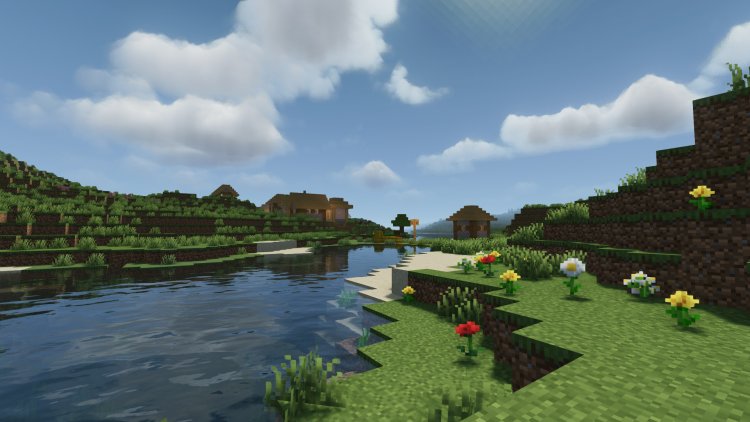
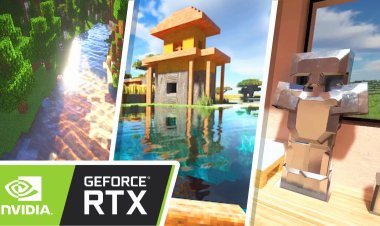
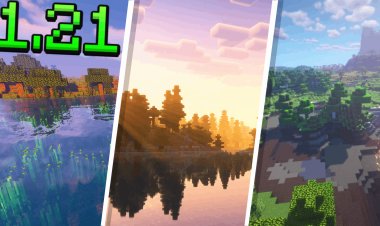
Looking for the best Minecraft 26.2 shaders for PC? If you want realistic lighting, beautiful shadows, improved water, and better graphics while maintaining solid FPS, these are the Top 3 BEST Minecraft 26.2 Shaders you should download right now.
In this guide, we'll cover the best shaders for Minecraft 26.2, including download links, features, performance, and which shader is best for low-end or high-end PCs.
Keywords: Minecraft 26.2 shaders, Minecraft shaders PC, Best Minecraft shaders, Minecraft Java shaders, Minecraft realistic shaders, Minecraft shader download, Minecraft FPS shaders, Minecraft 26 shaders.
#1 Complementary Reimagined – BEST OVERALL
Download Here:
https://modrinth.com/shader/complementary-reimagined/versions
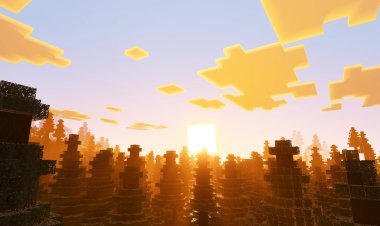
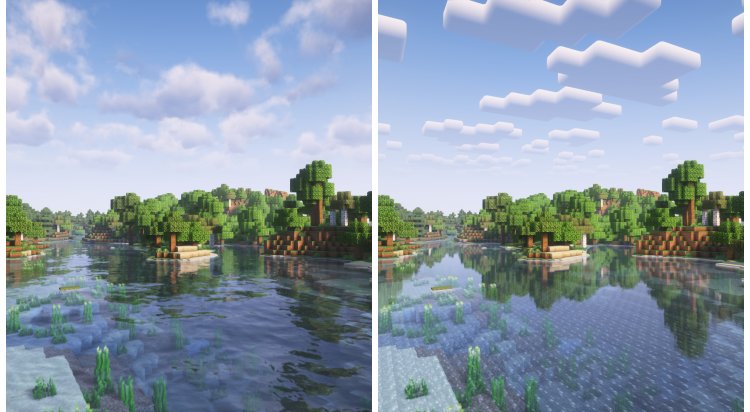
If you're looking for the absolute best shader for Minecraft 26.2, Complementary Reimagined is the clear winner.
This shader enhances Minecraft's vanilla style while adding:
- Beautiful volumetric clouds
- Dynamic shadows
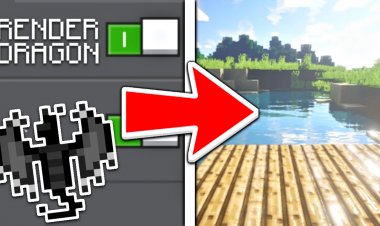
- Realistic water reflections
- Improved lighting
- Multiple presets from Potato to Ultra
- Excellent performance on most PCs
The shader has become one of the most downloaded and highest-rated shader packs available, with support for both Iris and OptiFine.
Why We Recommend It
✔ Best visuals overall
✔ Great FPS
✔ Highly customizable
✔ Works well for Survival and Multiplayer
✔ Perfect balance between realism and vanilla Minecraft
#2 Potato Shaders – BEST FOR LOW-END PCs ????
Download Here:
https://modrinth.com/shader/potato-shaders
Don't let the name fool you.
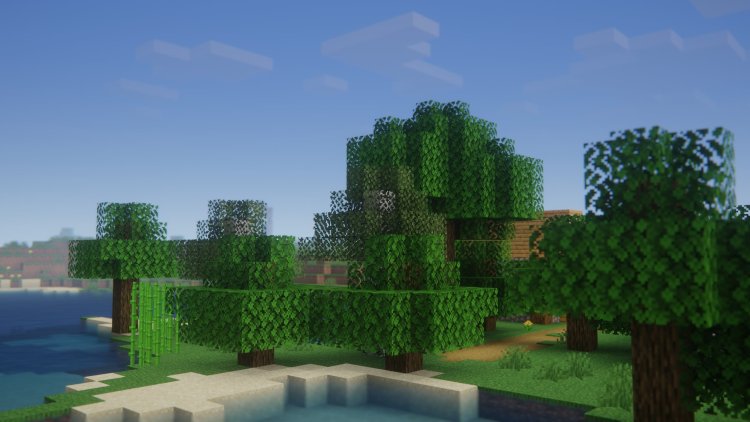
Potato Shaders are designed specifically for players with weaker PCs or laptops who still want better graphics without sacrificing FPS.
Features include:
- Lightweight performance
- Improved fog effects
- Better lighting
- Motion blur
- Enhanced water
- Depth of field
Potato Shaders focus on efficiency rather than ultra-realistic graphics, making them one of the best options for low-spec systems.
Why We Recommend It
✔ Best FPS
✔ Great for laptops
✔ Runs on older hardware
✔ Easy to install
✔ Lightweight and optimized
#3 MakeUp Ultra Fast Shaders – BEST PERFORMANCE
Download Here:
https://modrinth.com/shader/makeup-ultra-fast-shaders
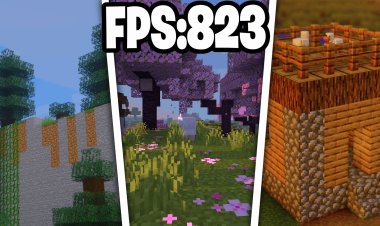
If your goal is maximum FPS while still having gorgeous graphics, MakeUp Ultra Fast is an incredible choice.
This shader is known for:
- Extremely high FPS
- Lightweight design
- Dynamic lighting
- Water reflections
- Beautiful skies
- Customizable effects
It has become one of the most popular high-performance shaders, with over 40 million downloads across major modding platforms.
Many Minecraft players specifically recommend MakeUp Ultra Fast as one of the best lightweight alternatives to heavier shaders.
Why We Recommend It
✔ Amazing FPS
✔ Smooth gameplay
✔ Looks fantastic
✔ Great for Survival
✔ Works on mid-range PCs
Comparison Table
| Shader | Best For | Performance | Graphics |
|---|---|---|---|
| Complementary Reimagined | Overall Best | ⭐⭐⭐⭐ | ⭐⭐⭐⭐⭐ |
| Potato Shaders | Low-End PCs | ⭐⭐⭐⭐⭐ | ⭐⭐⭐ |
| MakeUp Ultra Fast | Maximum FPS | ⭐⭐⭐⭐⭐ | ⭐⭐⭐⭐ |
How To Install Minecraft 26.2 Shaders
Step 1
Download and install Iris Shaders:
Iris is currently one of the most popular shader loaders for Minecraft because of its excellent performance and compatibility.
Step 2
Download one of the shaders above.
Step 3
Open Minecraft.
Step 4
Go to:
Options → Video Settings → Shader Packs
Step 5
Open the Shader Packs folder.
Step 6
Drag the downloaded ZIP file into the folder.
Step 7
Select the shader and enjoy!
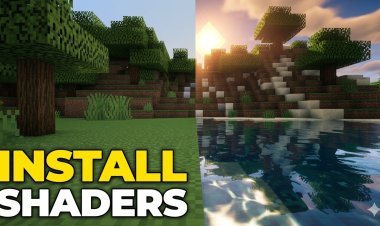
Why Use Shaders in Minecraft 26.2?
Shaders can dramatically improve:
- Realistic lighting
- Water reflections
- Dynamic shadows
- Better sunsets and sunrises
- Volumetric clouds
- Overall immersion
Many players consider shaders the single best graphical upgrade available for Minecraft Java Edition.