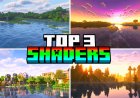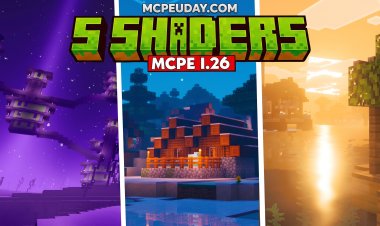
Top 3 NO LAG Shaders for Minecraft Bedrock 1.26.30 (Free Download)
 Asim_HeartxD
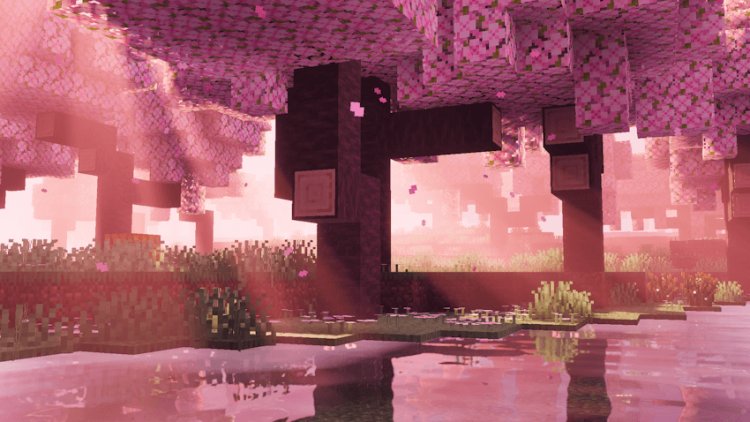
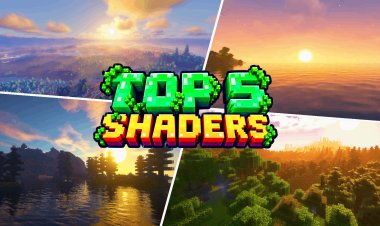
Top 3 NO LAG Shaders for Minecraft Bedrock 1.26.30
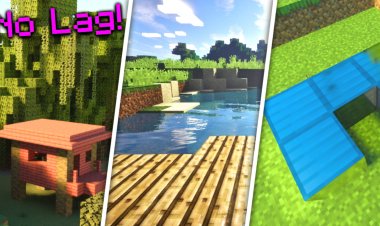
Not everyone plays Minecraft on a high-end gaming PC, but that doesn't mean you have to miss out on beautiful graphics. No Lag shaders are designed to improve lighting, skies, water, and environmental effects while keeping performance smooth on low-end and mid-range devices. They offer a great balance between visual quality and FPS, making them perfect for survival, multiplayer, and everyday gameplay.
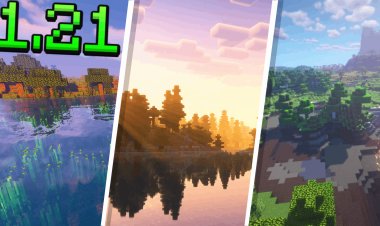
In this article, we've selected the Top 3 NO LAG Shaders for Minecraft Bedrock 1.26.30 that provide realistic visuals without causing major performance drops.
Keywords: Minecraft Bedrock 1.26.30, No Lag Shaders, Minecraft Bedrock Shaders, Best Minecraft Bedrock Shaders, Low End Shaders, FPS Friendly Shaders, BSL Shaders Bedrock, Simple Shader Ferous, Dreamy Vibrant Visuals, Minecraft PE Shaders, MCPE Shaders, Minecraft Graphics, RenderDragon Shaders, Free Minecraft Shaders, Bedrock Edition
3. BSL Shaders Bedrock
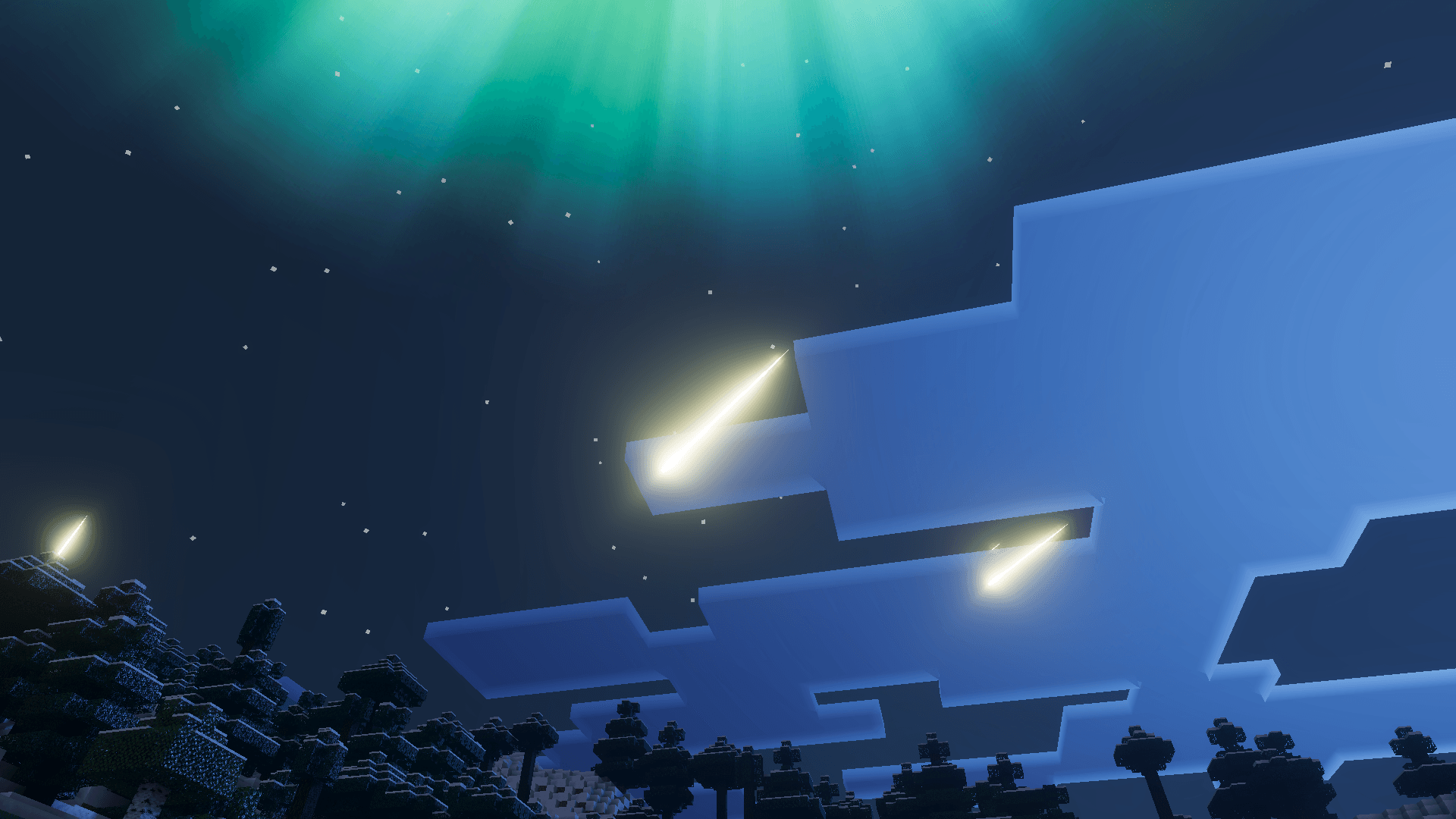
BSL Shaders Bedrock brings the popular BSL visual style to Minecraft Bedrock Edition with improved lighting, realistic skies, better shadows, and enhanced environmental effects. The shader focuses on delivering vibrant visuals while remaining lightweight enough for many devices.
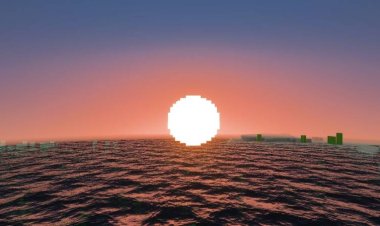
Players can enjoy beautiful sunsets, realistic water, improved cloud rendering, and a more immersive atmosphere without sacrificing too much performance. It's an excellent choice for players who want realistic graphics while maintaining smooth gameplay.
Features
- Improved realistic lighting
- Beautiful skies and clouds
- Enhanced water effects
- Smooth performance
- Great balance between visuals and FPS
Download
http://mcpedl.com/bsl-shaders-bedrock/
2. Simple Shader Ferous
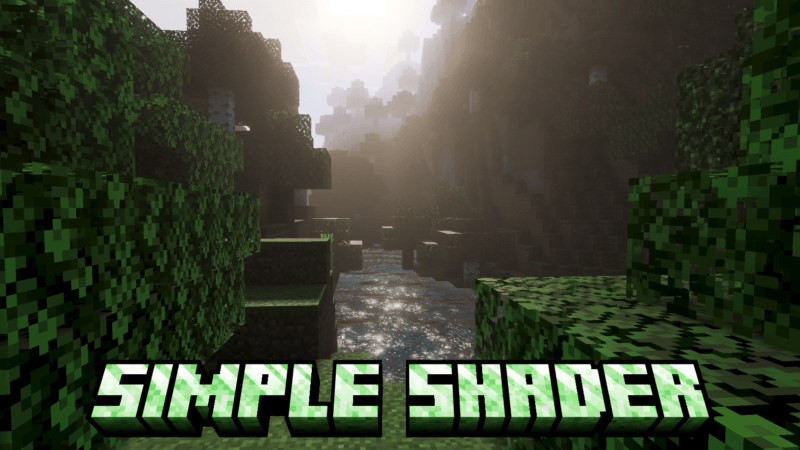
If your priority is maximum performance, Simple Shader Ferous is one of the best lightweight shader packs available for Minecraft Bedrock. Instead of adding heavy graphical effects, it enhances the game's lighting, colors, and atmosphere using simple optimizations that work well on lower-end hardware.
This shader is ideal for Android users, older PCs, and players who want a cleaner visual upgrade while keeping gameplay smooth during long survival sessions.
Features
- Lightweight shader effects
- Better lighting and colors
- Optimized for low-end devices
- Stable FPS performance
- Easy to install and use
Download
https://mcpedl.com/simple-shader-ferous/
1. Dreamy Vibrant Visuals
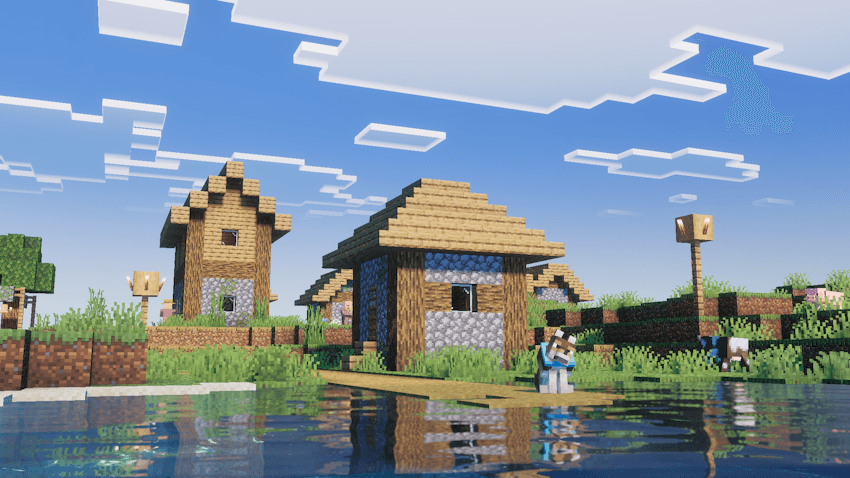
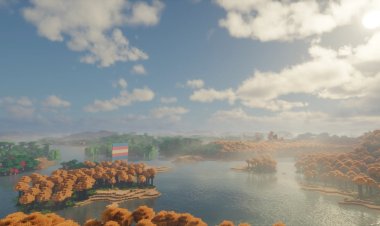
Taking the number one spot is Dreamy Vibrant Visuals, a beautiful shader pack that delivers colorful lighting, realistic skies, vibrant environments, and enhanced weather effects while remaining surprisingly performance-friendly.
Unlike many heavy shaders, Dreamy Vibrant Visuals is carefully optimized to provide a cinematic experience without requiring powerful hardware. It's perfect for survival worlds, creative builds, screenshots, and YouTube content creation.
Features
- Vibrant realistic lighting
- Beautiful skies and sunsets
- Enhanced environmental colors
- Smooth gameplay performance
- Excellent for survival and creative mode
Download
https://mcpedl.com/dreamy-vibrant-visuals/
Why Use No Lag Shaders?
No Lag shaders are designed to improve Minecraft's graphics without heavily impacting performance. They focus on optimizing lighting, colors, water, and environmental effects while maintaining high FPS on a wide variety of devices.
Benefits include:
- Better FPS than heavy shaders
- Improved lighting
- Beautiful skies and weather
- Realistic water effects
- Lightweight optimization
- Smooth gameplay on low-end devices
Whether you're playing on Windows, Android, or another Bedrock-supported platform, these shaders offer an excellent balance between performance and visual quality.
How to Install Shaders on Minecraft Bedrock
Installing shaders is quick and easy.
- Download your preferred shader using the links above.
- Open the downloaded
.mcpackfile. - Minecraft Bedrock Edition will automatically import the shader.
- Open Settings or Global Resources.
- Activate the shader pack.
- Enter your world and enjoy smoother graphics with improved visuals.
Frequently Asked Questions (FAQ)
Which is the best No Lag shader for Minecraft Bedrock 1.26.30?
Dreamy Vibrant Visuals is one of the best overall choices because it offers beautiful graphics while remaining lightweight enough for smooth gameplay.
Are these shaders suitable for low-end devices?
Yes. All three shaders are designed to be lightweight and work well on low-end or mid-range devices compared to heavier shader packs.
Will these shaders improve FPS?
While shaders generally don't increase FPS, these lightweight packs are optimized to minimize performance loss, allowing for smoother gameplay than more demanding shaders.
Can I use these shaders on Android?
Yes. These shader packs support Minecraft Bedrock on Android, Windows, and other compatible Bedrock platforms.
Are these shaders free?
Yes. All three shader packs featured in this article are available as free downloads.
Do these shaders work on Minecraft Bedrock 1.26.30?
Yes. They are compatible with Minecraft Bedrock Edition 1.26.30 and support the latest Bedrock updates.