How To Get Proximity Chat in Minecraft Bedrock (2026 Guide)
 mcpecentraladmin
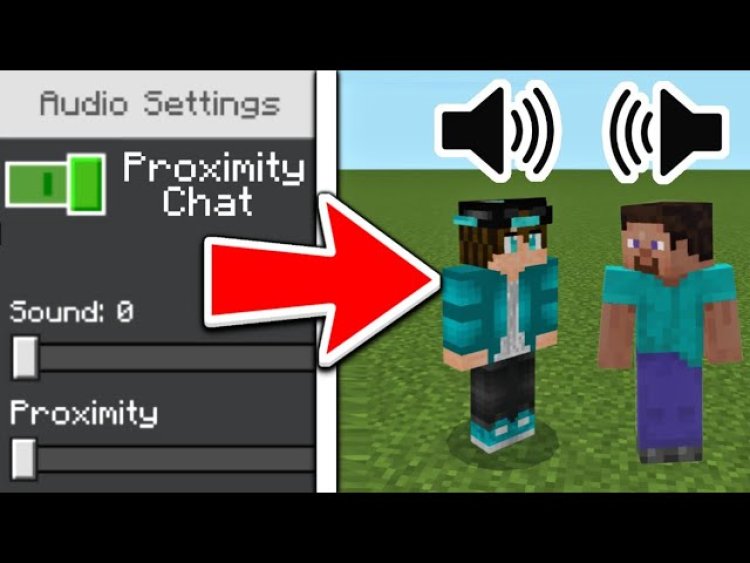
Proximity voice chat for Minecraft Bedrock made easy — thanks to Alaydriem!
Minecraft Bedrock doesn’t come with built-in proximity chat by default, but you can add realistic voice communication by using a custom Bedrock mod/plugin. In this guide, you’ll learn exactly how to get proximity chat in Minecraft Bedrock, step-by-step, with the essential downloads you need — including tools created by YouTuber Alaydriem.
What Is Proximity Chat in Minecraft Bedrock?
Proximity chat lets players talk to others in game using voice — but only when they’re physically near each other. This makes Minecraft multiplayer more immersive, just like real life:
Speak only to nearby players
Hear players fade as they walk away
More realistic social interaction
This feature is especially popular with realms, SMP servers, roleplay worlds, and community servers.
Why Proximity Chat Isn’t Built Into Bedrock
Unlike Minecraft Java Edition, Bedrock doesn’t natively support voice chat or proximity voice. Because of this, players had to rely on third-party tools like Discord, VRChat, or Minecraft voice plugins — until now.
Thanks to the innovative work by content creator Alaydriem, proximity voice chat is now possible in Minecraft Bedrock using a custom voice chat mod and installer.
Meet the Creator: Alaydriem
YouTuber Alaydriem made this process possible by developing and documenting the Bedrock Voice Chat mod that enables proximity chat on Bedrock platforms such as:
Windows
iOS & Android
Console (with workarounds)
Their easy-to-follow tutorial and mod release has transformed how Bedrock players communicate.
Download the Files You Need
To install proximity voice chat in Minecraft Bedrock, you need two key resources from Alaydriem’s GitHub:
Proximity Chat Download Link:
https://github.com/Alaydriem/bedrock-voice-chat/releases
Official Installation Wiki:
https://github.com/Alaydriem/bedrock-voice-chat/wiki
Make sure you download the correct version for your Minecraft Bedrock version — compatibility info is listed on the GitHub releases page.
Step-by-Step: How to Install Proximity Chat in Minecraft Bedrock
Here’s how to get up and running:
1. Download the Voice Chat Mod
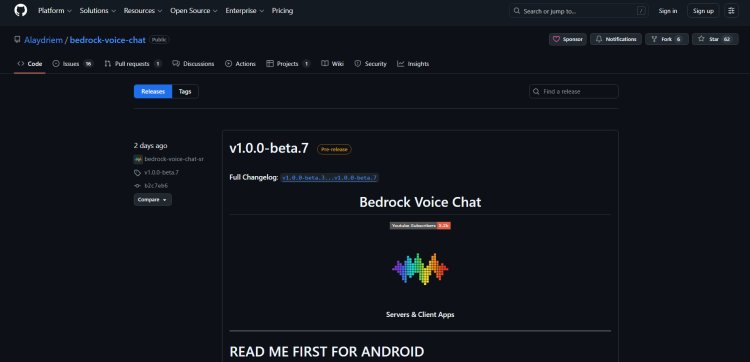
Visit the official GitHub releases page from Alaydriem and download the latest build of bedrock-voice-chat. This file contains everything needed for proximity chat.
Download: https://github.com/Alaydriem/bedrock-voice-chat/releases
2. Read the Installation Guide
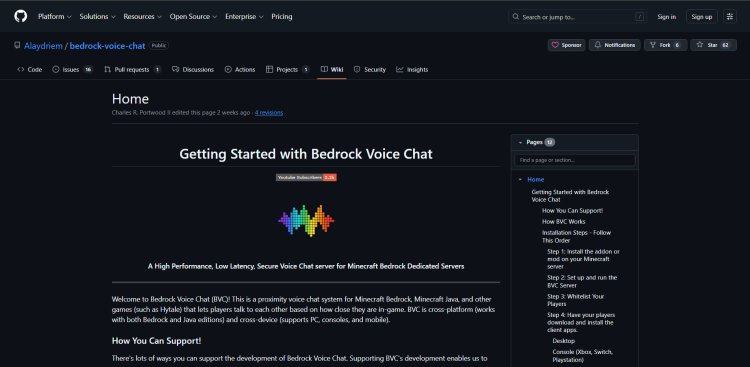
The installation steps differ based on your device (Windows, Android, iOS, etc.). Alaydriem created a detailed wiki with screenshots and instructions so you won’t get lost.
Guide: https://github.com/Alaydriem/bedrock-voice-chat/wiki
3. Install the Mod Files
Follow the wiki instructions to install:
-
Add-ons
-
Configuration files
-
Voice server files (if required)
Most installations are plug-and-play, but make sure Minecraft Bedrock is closed during setup.
4. Launch Minecraft Bedrock and Test
Once installed:
-
Open Minecraft Bedrock
-
Join a world or server
-
Use your microphone to chat with nearby players
If everything is correct, your voice will only be heard by others close to you — that’s proximity chat working!
Pro Tips for Best Performance
Use good internet connectivity (Wi-Fi or wired)
Update Bedrock to the latest version before installing
Restart Minecraft after installation
Check firewall permissions for voice-server access
Invite players to test range and quality